
THE DIGITAL SUPERVISOR FOR RESTAURANT OPERATIONS

From Your CCTV to Clear Operational

Turn your existing restaurant CCTV into operational signals, so you can identify service issues sooner, improve customer experience and run smoother operations across one or multiple locations.

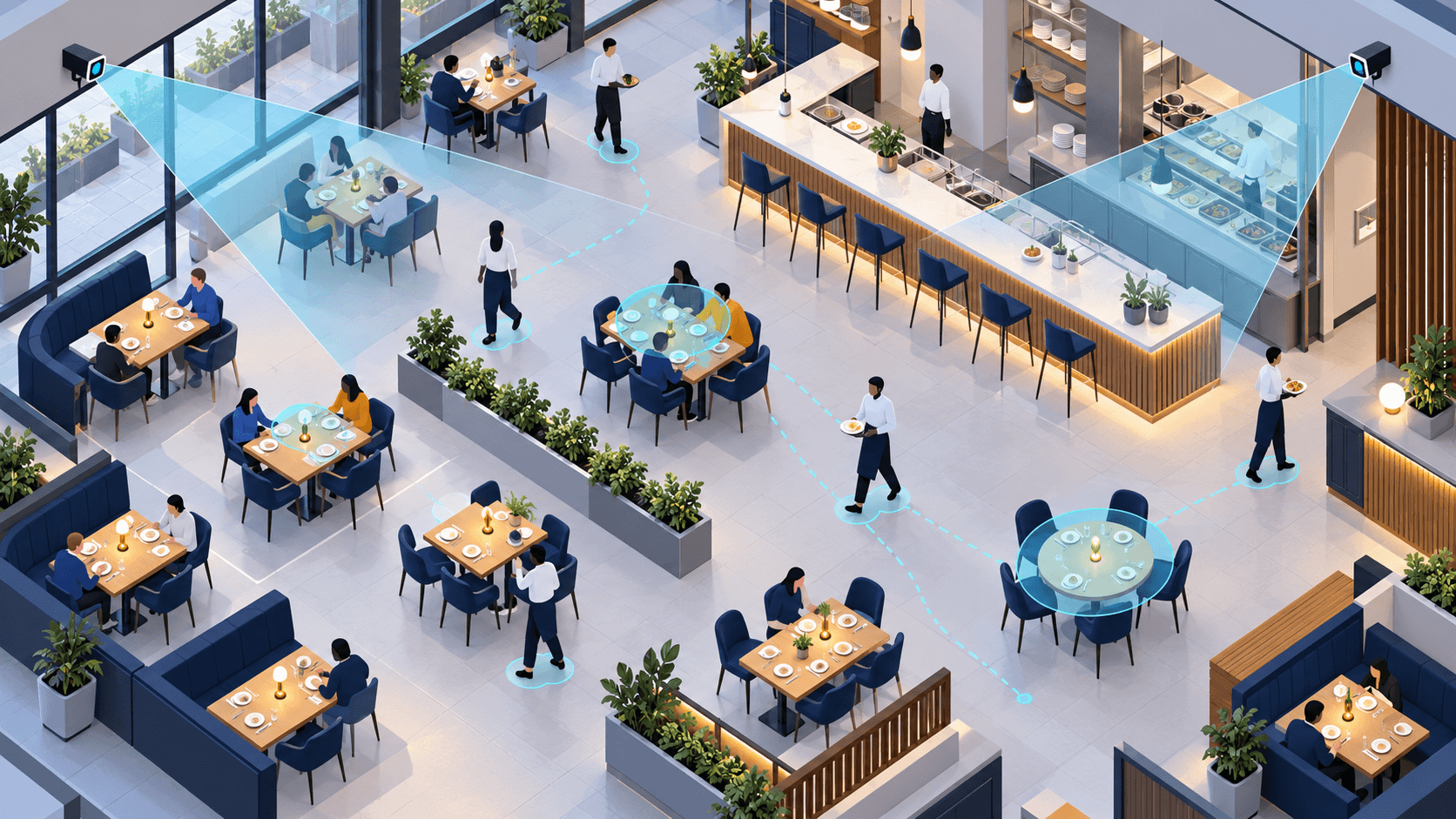
Illustrated restaurant floor with simplified people, CCTV camera views, and activity markers.
Illustrative conceptCAM 01 / Dining floor

Identify tables, customers, and waiters in supported footage.

Illustrative conceptIdentify tables, customers, and waiters in supported footage.

Key benefits

  • Put your existing CCTV to work.

  • No additional cameras required.

  • Quick to set up. Easy to use.

Built for restaurant owners and operators

  • Single Restaurants
  • Multi-Location Operators
  • Growing Restaurant Chains

THE OPERATIONAL BLIND SPOT

Cameras Record. They Don’t Flag Every Service Issue.

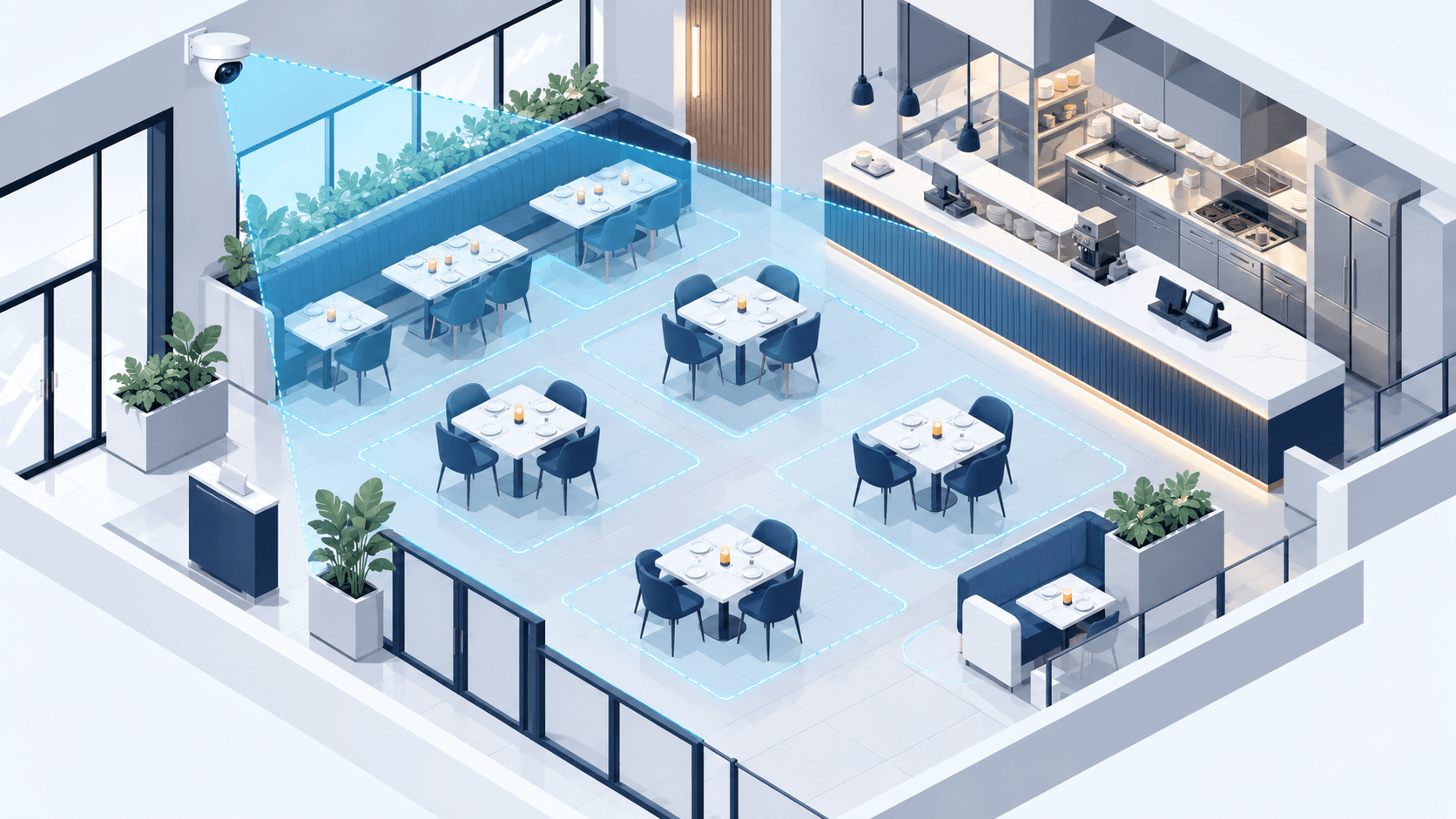
Managers cannot watch every table, and owners cannot be present at every location. Service issues can go unnoticed until someone spots them or a customer complains.

Illustrated restaurant floor with CCTV coverage and highlighted table zones.
Illustrative concept

Turn Your Existing Cameras into Operational Signals

OpsScout connects to compatible existing CCTV and uses computer vision to help interpret supported restaurant activity, so teams can review relevant operational situations.

How it works

  1. Existing CCTV

    Use compatible camera infrastructure already installed at the restaurant.

  2. Computer Vision Analysis

    Analyze supported visual activity to identify relevant tables, people, and floor activity.

  3. Operational Signals

    Present supported observations in a form that helps restaurant teams review and respond.

Demonstrated scope

  • See What’s Happening on the Floor

    Identify tables, customers, and waiters in supported footage.

  • Track Activity That Can Be Missed

    Follow visible activity across the monitored restaurant floor.

Tested on real restaurant footage. Currently being refined through restaurant testing.

Real Restaurant Situations. Clearer Answers.

From the kitchen to the table, delays at different stages can affect the guest experience. OpsScout helps make relevant restaurant activity more visible through computer vision.

Food Preparation

Food may not be ready when expected, delaying the service journey.

Potential application

Explore whether visual monitoring can identify relevant kitchen activity. Preparation-time measurement may need order timestamps or POS/KDS integration.

Food Ready, Not Picked Up

Prepared food may remain at the service counter while staff are busy elsewhere.

Potential application

Explore visual detection of food waiting at the counter and the activity around collection.

Food Handoff to Table

A delay between pickup and table service can extend the guest’s wait.

Potential application

Explore whether staff movement and table activity can help identify relevant service-flow delays.

Guests Waiting at the Table

Customers may wait for attention while staff are occupied elsewhere.

Potential application

Use demonstrated table, customer, and waiter identification to understand relevant activity in supported footage.

Illustrative concept

Food-preparation timing, prepared-food detection, food handoff measurement, automated alerts, and actual food temperature require separate technical validation or additional data sources. Communicate these as potential applications until the underlying capability has been demonstrated.

WHY OPSSCOUT

More Than Just Recording. A Clearer View of Your Restaurant Operations.

Your cameras already capture activity. OpsScout applies computer vision to help make sense of restaurant-floor activity and surface relevant operational signals.

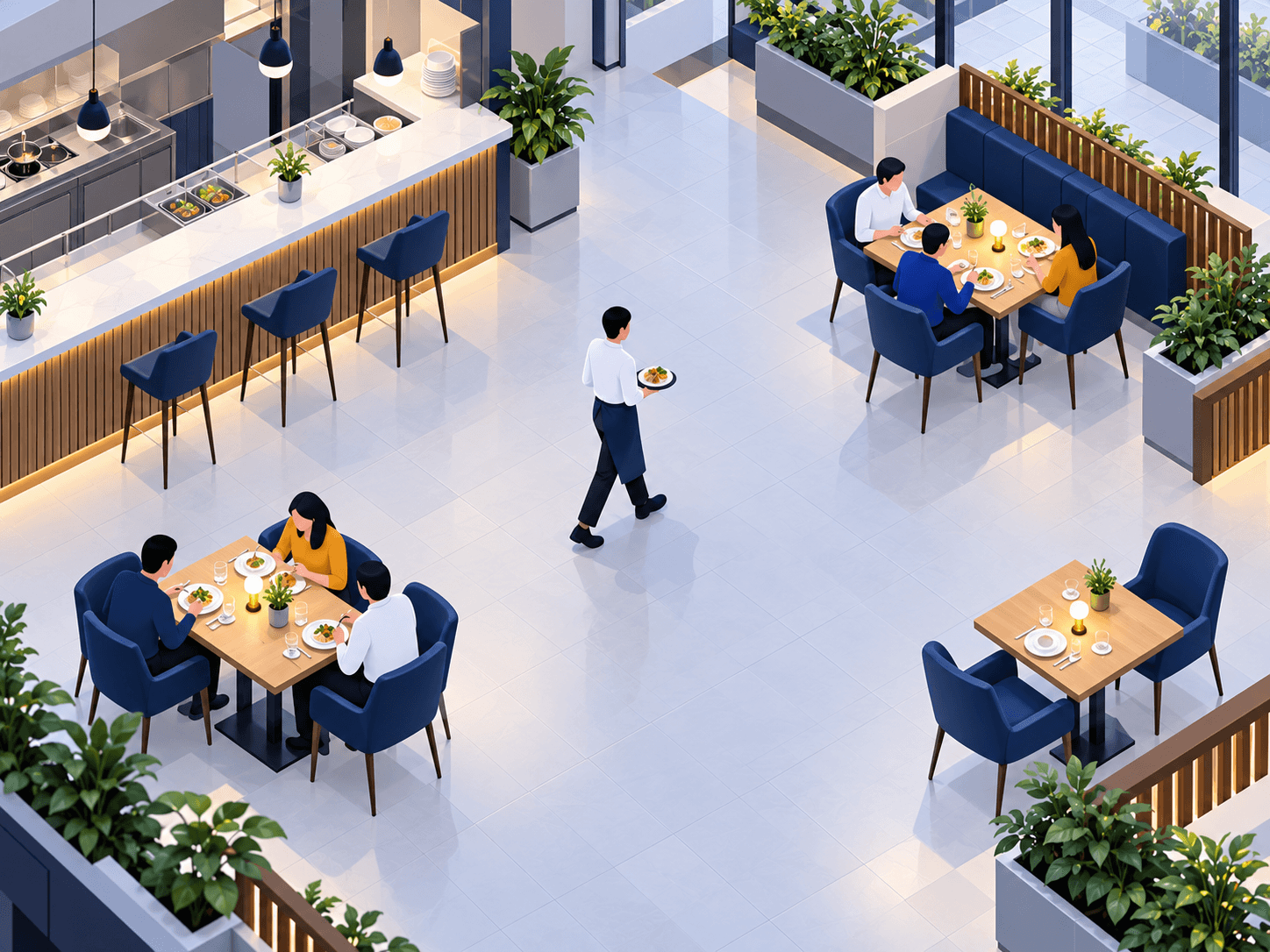
Illustrated restaurant floor with customers at tables and a waiter crossing between them.
  • Table
  • Customer
  • Waiter
Illustrative concept
  1. 01

    Focused on Restaurant Service

    OpsScout focuses on restaurant-floor activity, including tables, customers, waiters, and relevant visual observations. The goal is to make supported footage more useful for understanding restaurant operations.

  2. 02

    Built Around Practical Adoption

    OpsScout is designed around compatible existing CCTV infrastructure, without making new camera hardware the starting point. Actual compatibility and setup requirements depend on each deployment.

  3. 03

    Refined Through Real-World Learning

    Real restaurant testing provides an opportunity to understand operational requirements and guide product refinement before broader deployment.

Signal score

Illustrative concept. No score values are shown.

  • PotentialService pace
  • PotentialTable turnover
  • PotentialKitchen flow

OUR TEAM

A Team Turning Restaurant Footage Into Real Operational Value.

OpsScout brings together business leadership and technical expertise to develop, test, and refine computer-vision technology for restaurant operations.

Leadership profiles

Portrait of Maheen Zakori, CEO and Founder of OpsScout.

Maheen Zakori

CEO / Founder

Business leadership, company direction, and growth.

Portrait of Muhammad Essa Khan, COO and Founder.

Muhammad Essa Khan

COO / Founder

Portrait of Dr. Numan Khurshid, CTO and Co-founder.

Dr. Numan Khurshid

CTO / Co-founder

Execution Team

Portrait of Muhammad Ali, AI Engineer.

Muhammad Ali

AI Engineer

Portrait of Muhammad Rehan, Data Engineer.

Muhammad Rehan

Data Engineer

Portrait of Mohammad Huzaifa, Hardware Engineer.

Mohammad Huzaifa

Hardware Engineer

Ask us directly

REQUEST A DEMO

See it on your floor.

Tell us about your restaurant and the operational challenges you face. Our team can discuss your existing camera setup and whether OpsScout is a suitable fit.

  • Use Your Existing SetupWe can discuss your current CCTV infrastructure and compatibility.
  • Focus on Your ChallengesShare the operational issues you want to address, such as service delays or floor visibility.
  • A Relevant DiscussionOur team will explore whether OpsScout fits your restaurant and discuss potential next steps.

What happens next

  1. Submit Details
  2. Request Received
  3. Team Follow-Up
  4. Demo Discussion

Fill in the details below and our team will get in touch.

Request Your Demo

Fill in the details below and our team will get in touch.

0/300

This form requests a demo discussion. It does not automatically book or confirm a scheduled demo.

Your information will be used to respond to your inquiry and handled according to our privacy practices. Privacy Policy